Add images
Select multiple image files from the Windows device. They appear as individual rows with filenames, formats, and sizes.
Batch image metadata remover for Windows
Included in BiOVE File Mask for AI · Not a separate product
Add several images to the local desktop list, choose PNG or JPG for each output, and download separately redrawn copies. BiOVE File Mask for AI does not overwrite the source files.
The actual desktop workflow
The licensed Windows app decodes each selected image and draws it onto a new canvas before creating the requested output. The original embedded metadata is not copied into that normal redraw path.
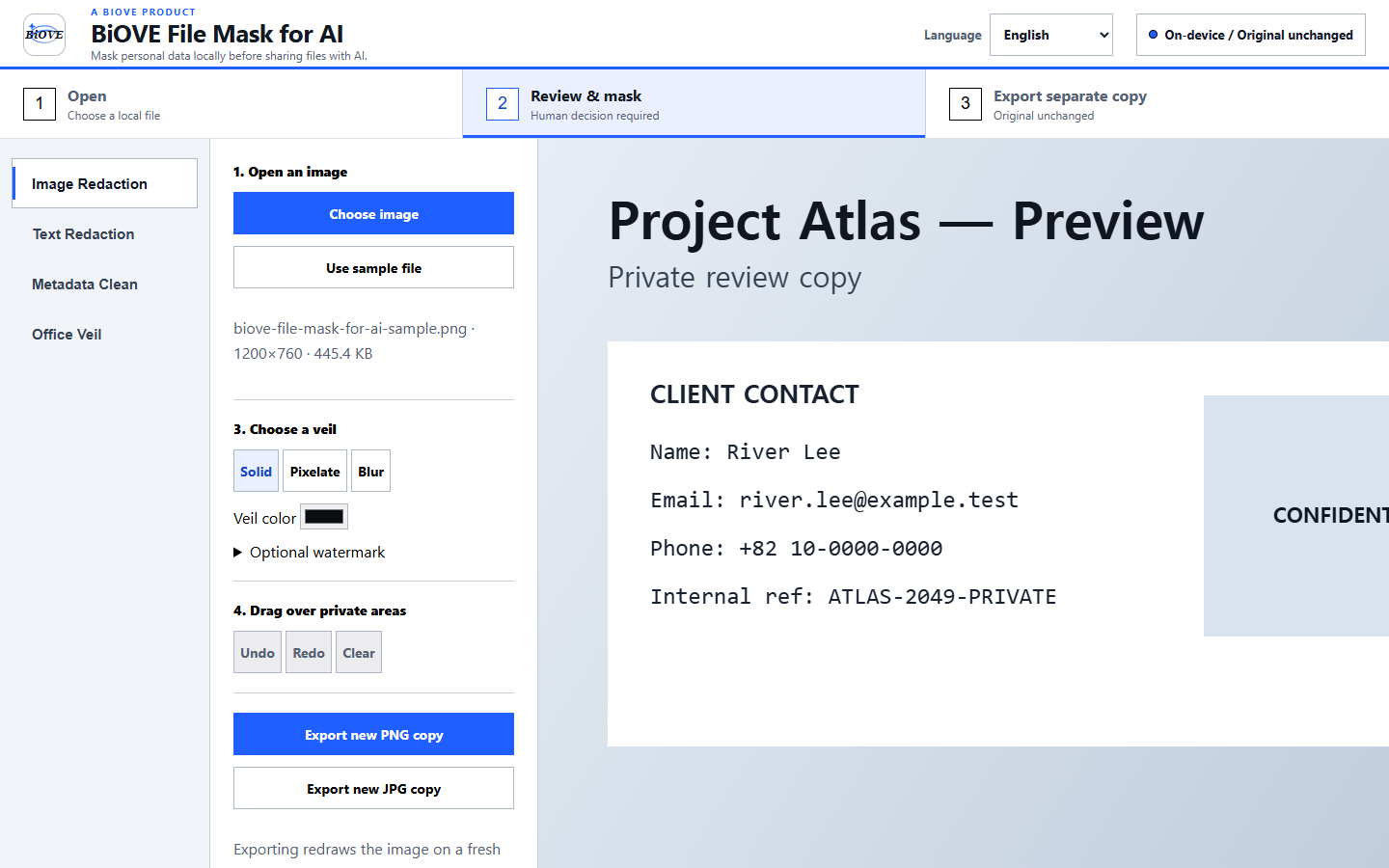
Three deliberate steps
Select multiple image files from the Windows device. They appear as individual rows with filenames, formats, and sizes.
Create PNG or JPG output for each row. The current implementation does not claim a one-click ZIP or unattended folder sweep.
Check visible content, orientation, color, transparency, compression, and filename before sharing any exported image.
Current boundary: the batch path relies on the fresh canvas redraw and does not run a second metadata scan after each export. It preserves the source filename stem and appends -metadata-clean, so the filename itself is not anonymized. Rename and independently inspect high-risk outputs before sharing.
Free versus paid
Inspect one JPEG, PNG, or WebP for common metadata categories and create one locally re-encoded PNG. The checker reports categories, not embedded values.
Open the free checkerOpen representative files and evaluate the installed interface. Clean batch buttons remain locked in the Preview.
Get Preview 1.5.1 freeUnlock clean PNG and JPG batch actions along with the licensed image, PDF, Office, and text export workflows. One-time purchase; no subscription.
Buy IndividualKnow what a redraw changes
Faces, names, addresses, credentials, and interface details are not automatically hidden by the batch metadata workflow. Use Image Veil when pixels also need masking.
Re-encoding may affect orientation, color rendering, file size, or sharpness. JPG output uses a white background for transparent areas and lossy compression.
A newly rendered file can still be identifying because of its visible content, filename, unsupported data, or the context in which it is shared.
Questions before buying
Yes. The licensed Windows app lets you add multiple locally opened images to its batch list and create a separate PNG or JPG redraw for each file. The source images are not uploaded or overwritten.
No. The free browser checker handles one JPEG, PNG, or WebP at a time and can create one re-encoded PNG. Desktop batch export is locked in the free Windows Preview and requires the $29 one-time Individual license.
The current batch workflow creates PNG or JPG copies. Input compatibility depends on the image formats decoded by the bundled desktop runtime, so test representative files in the free Windows Preview before purchasing.
No. Metadata removal does not hide faces, names, account details, or other identifying pixels. Review every output and use the separate Image Veil workflow when visible content also needs masking.
Evaluate first
Use the free local checker for a single file. If the workflow fits, the $29 Individual license unlocks clean batch exports in BiOVE File Mask for AI for Windows.
Review the privacy model, security notes, Preview license, and refund policy.