A fit when
- You want supported files processed on the device
- You need image, PDF, DOCX, XLSX, or text workflows
- You prefer a one-time Windows license
Local desktop vs upload-based workflow
Online tools can be convenient. A local app can reduce file movement. Compare the workflow, then test BiOVE File Mask for AI on your own Windows PC before paying.
$29 one-time price · Windows 10/11 · no subscription
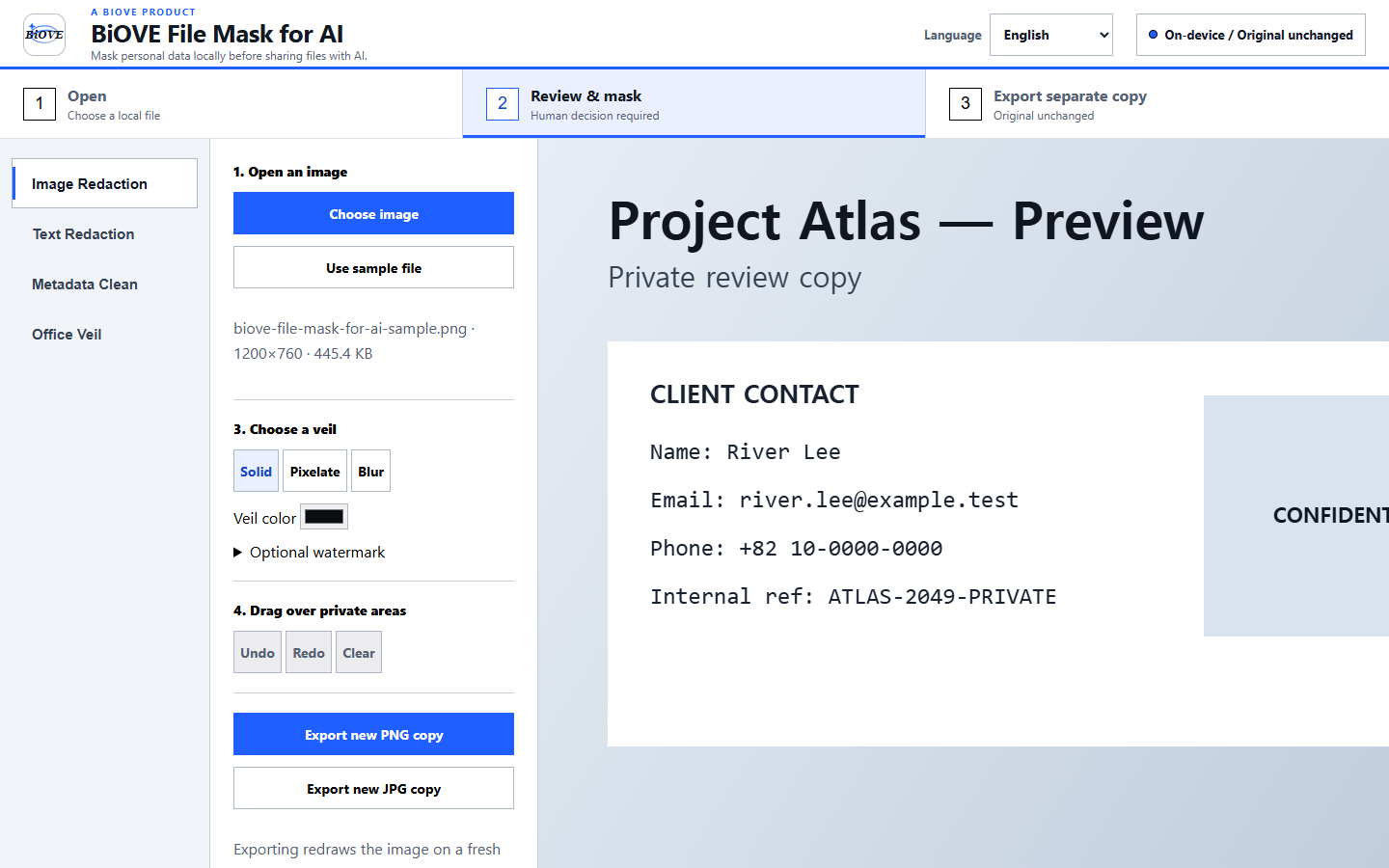
Practical comparison
| Decision point | BiOVE File Mask for AI | Typical upload-based tool |
|---|---|---|
| File movement | Supported files are processed in the local Windows app. | The file is sent to the provider's system for processing. |
| Internet dependency | Core supported processing works offline after installation. | Usually requires a working connection and service availability. |
| Review model | Users inspect visible masks and supported findings before export. | Varies by provider; some emphasize automated detection or server-side workflows. |
| Output | Creates new cleaned copies while leaving source files unchanged. | Varies; review download, retention, and deletion behavior before use. |
| Deployment | Windows desktop application; no hosted portal or central admin console. | Often browser-based and easier to access across operating systems. |
| Payment | Free Preview, then a one-time license if clean export is needed. | Varies: free limits, per-use fees, or recurring plans are common. |
See what you are evaluating
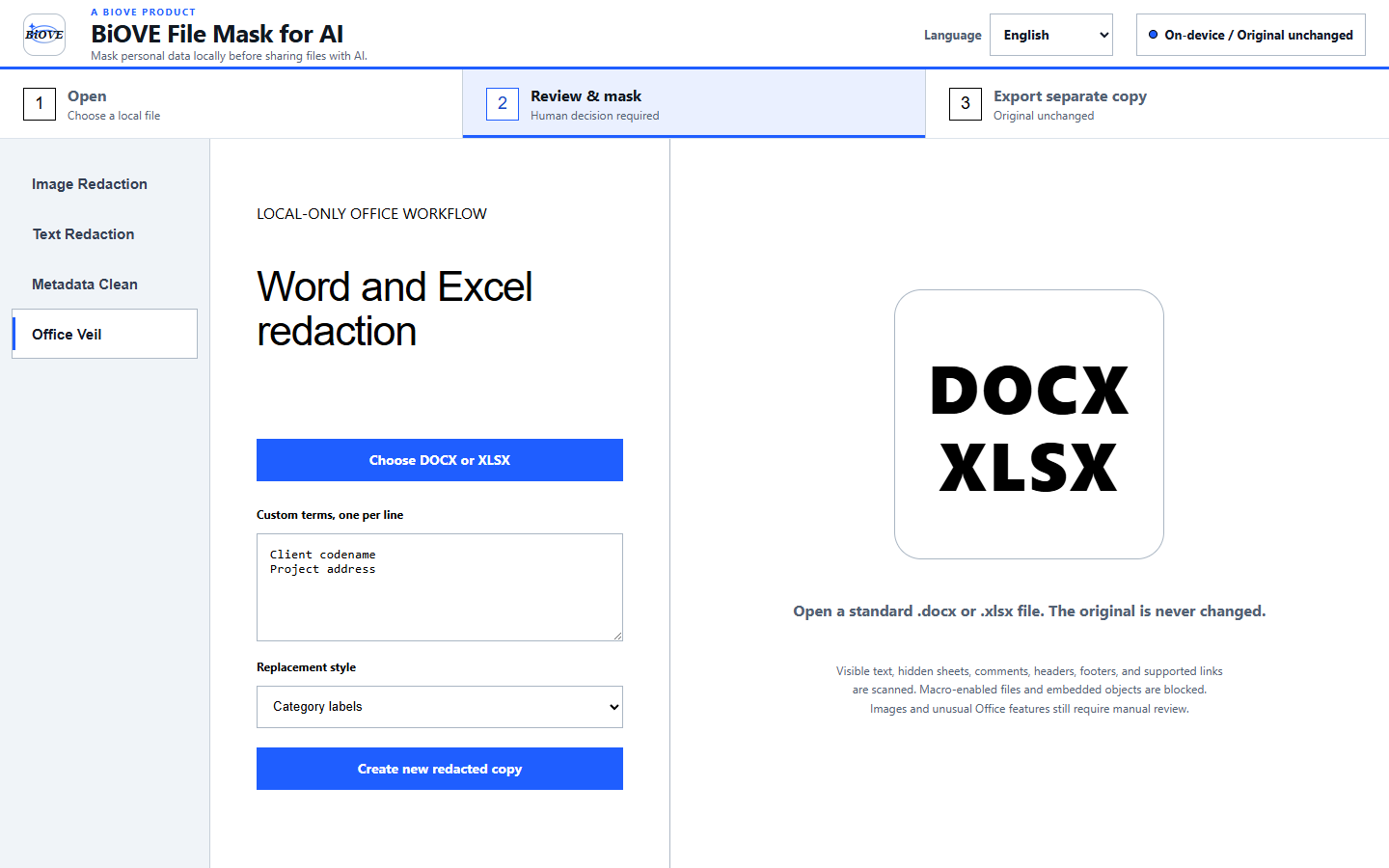
Know the boundary
BiOVE File Mask for AI does not promise perfect automatic detection or guaranteed compliance. Macro-enabled and embedded-object Office packages are blocked rather than silently processed.
Evaluate before purchase
The free Preview opens supported files locally and exposes the real review workflow. Clean exports are the paid boundary.