Open locally
Select a supported PDF, DOCX, XLSX, image, or text file from the Windows app. The document content is not uploaded.
PDF + DOCX + XLSX · Windows desktop
Open supported documents on your own Windows PC, review what will change, and export a new cleaned copy. Your originals stay untouched.
Free Preview: inspect local workflows, export locked · Individual: $29 one-time price · no subscription
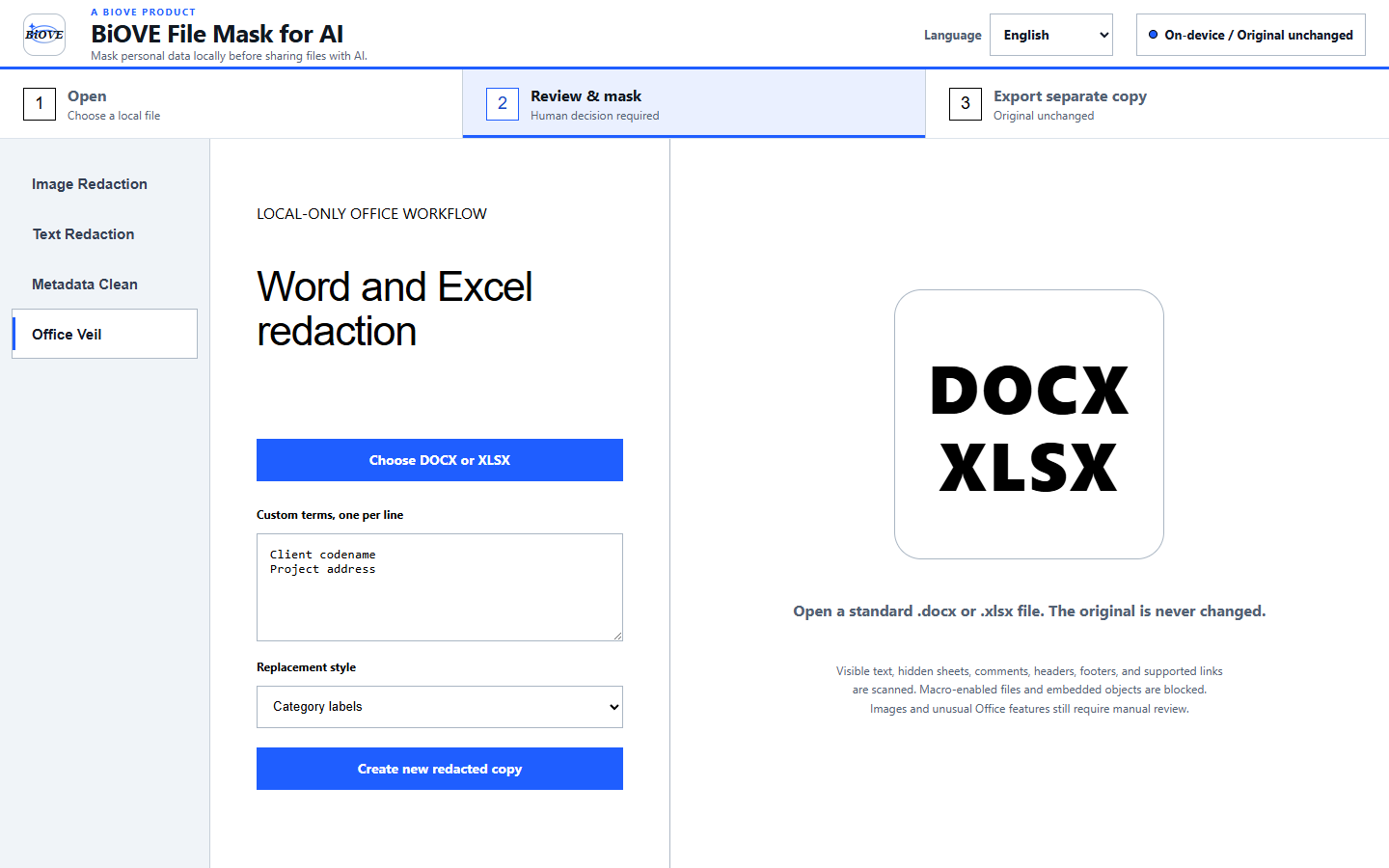
A reviewable local workflow
Select a supported PDF, DOCX, XLSX, image, or text file from the Windows app. The document content is not uploaded.
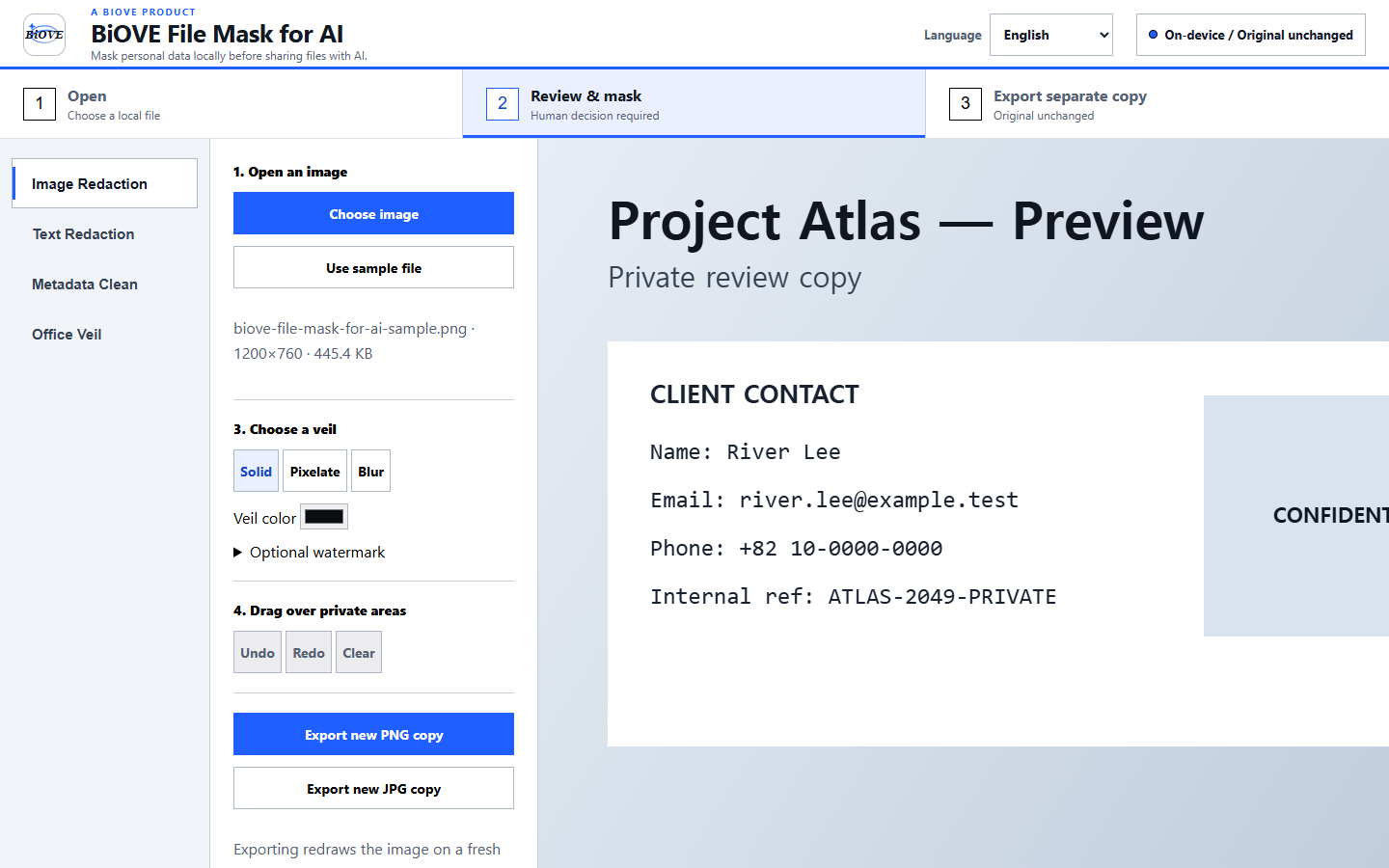
Draw PDF or image veils yourself. Review supported pattern matches in Word, Excel, and text before export.
Export a new redacted or masked copy. BiOVE File Mask for AI does not overwrite the source file.
What the product actually does
LocalVeil does not promise to detect every secret or guarantee compliance. Visual regions remain user-selected and all outputs should be reviewed before sharing. Preparing a financial document? Follow the bank statement redaction workflow and integrity warning. Preparing an authorized candidate copy for a client? Review the resume redaction workflow, consent checks, and ATS limitations.
Product evidence
Preparing an approved copy for optional AI analysis? See the local document review workflow before external AI use. For scanned pages, review the offline OCR redaction workflow. Evaluating a broader privacy workflow? Use the Windows PII redaction buyer guide.
Verify before you pay
The Preview opens supported files locally and shows the actual workflows. When you need clean exports, unlock the Individual license once—no recurring bill.