1. Open locally
Choose a screenshot in the installed Windows app. BiOVE File Mask for AI does not send the source image to a BiOVE server.
Confidential screenshot watermark
Included in BiOVE File Mask for AI · Not a separate product
Label a review copy before it leaves your Windows device. Enter your own visible text, choose a repeated diagonal pattern or bottom stamp, adjust opacity, and inspect the complete image before export.
Free Preview 1.5.1 exports PNG/JPG with a fixed permanent Preview watermark. The full Individual license unlocks optional custom watermark controls and clean image export; no subscription is required.
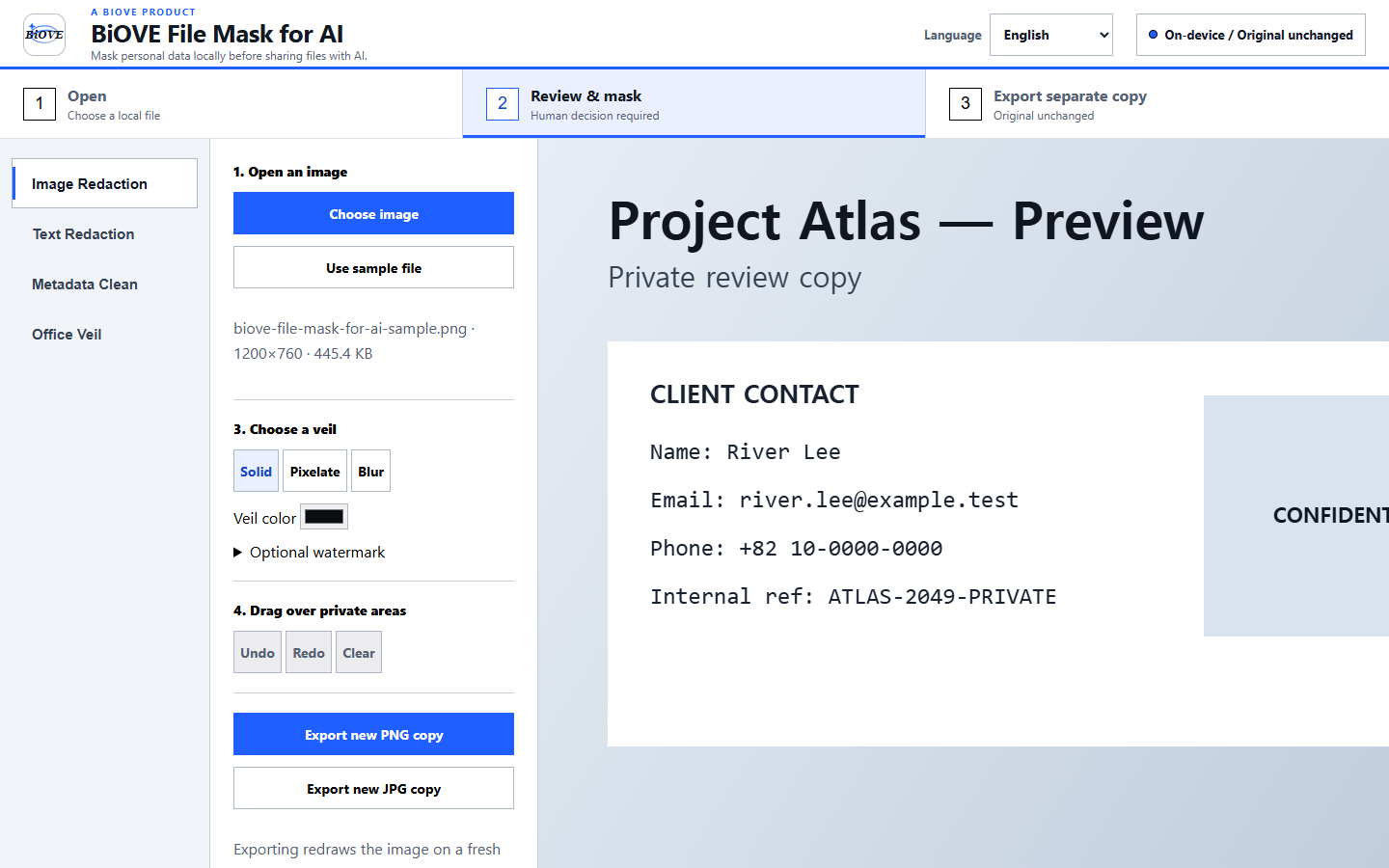
Implemented controls
A deliberate sharing workflow
Choose a screenshot in the installed Windows app. BiOVE File Mask for AI does not send the source image to a BiOVE server.
Use an opaque solid mask for secrets and other high-risk details. A watermark is a label, not a substitute for redaction.
Set the text, layout, and opacity, then inspect the full frame for missed details and readable private context before export.
Free versus paid
Know what a visible watermark cannot do
A visible watermark can communicate intended use, but it does not track recipients, prevent copying, prove authorship, conceal sensitive content, or stop someone from cropping or editing the image. The configurable watermark applies to the image editor only—not batch image, PDF, Office, or text exports. Automatic privacy suggestions can also miss details. Apply appropriate masks and perform a human review of every exported copy before sharing.
Compare solid redaction, blur, and pixelation, or review the privacy model, security notes, license terms, and refund policy.