Local processing
The downloadable Windows app runs on your device. Your working image stays on the device.
Actual Windows app · Offline screenshot redaction
Open a screenshot, review supported OCR and privacy-pattern suggestions, add solid masks wherever needed, and export a new copy. The source stays on your Windows device, and every result still requires your review.
Free Preview 1.5.1 exports permanently watermarked PNG/JPG. The paid 1.5.1 delivery unlocks clean image, PDF, Word, Excel, text, and batch exports.
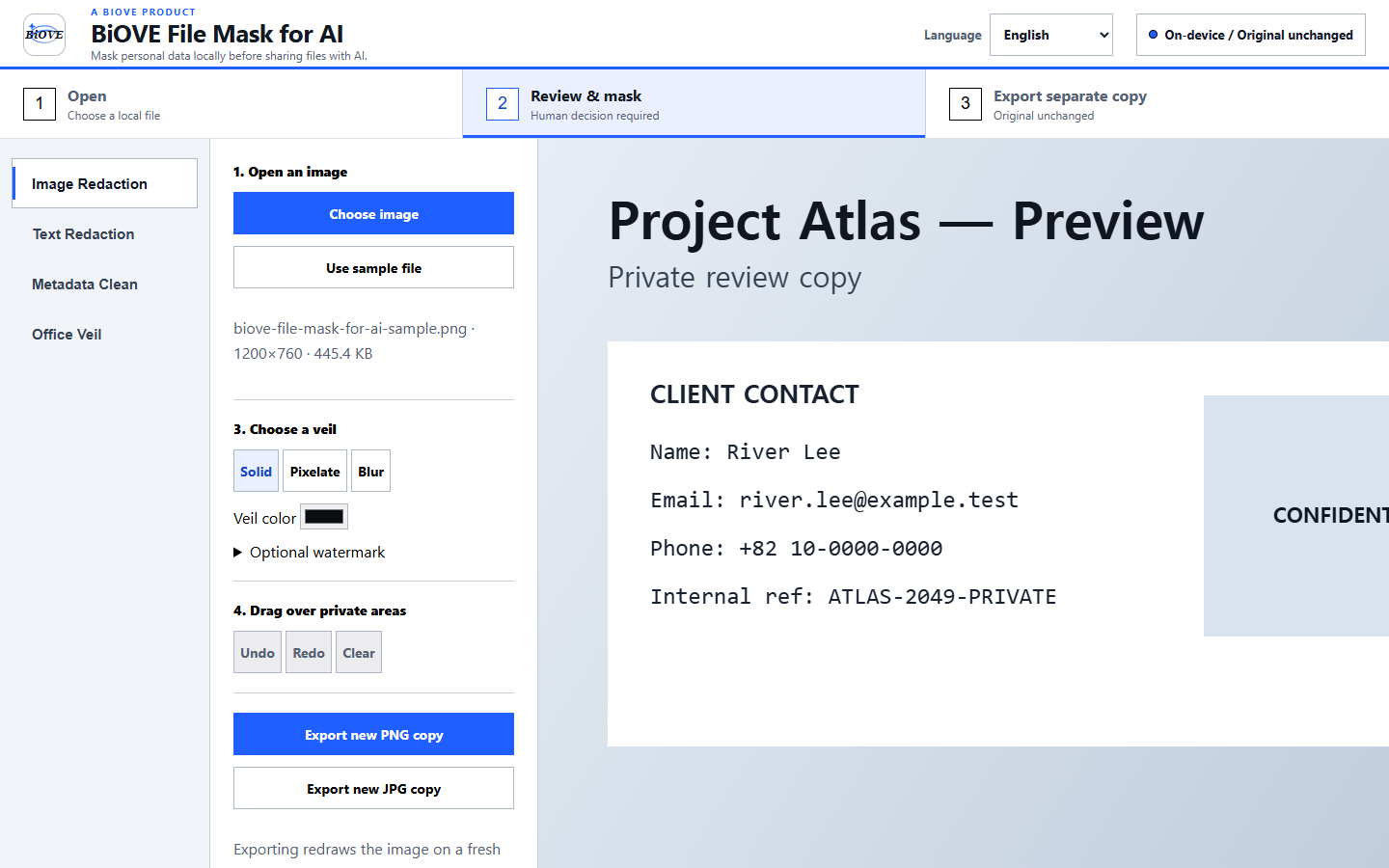
The downloadable Windows app runs on your device. Your working image stays on the device.
Export a newly rendered PNG or JPG rather than forwarding the original file with its original metadata.
Use visible masks, blur, and watermarks with a preflight checklist before sending a screenshot outside your team.
Preparing screenshots for clients or support tickets? See the client screenshot redaction workflow or the confidential watermark workflow.
A safer sharing loop
Open the screenshot in the offline workspace. No account or API key is required.
Cover private fields, blur context, and run the included visual preflight checks.
Create a clean derivative for tickets, documentation, client reviews, or internal handoffs.
Choose the license scope
$29 one-time price
One purchaser. Same complete application and guides. $29 permanent one-time price.
Buy Individual - $29 one time$249
Up to 10 named users in one organization.
Buy Team$499
Up to 25 named internal users.
Buy Business 25One-time license. Review the license terms, refund policy, and security notes before purchase.