1. Choose an XLSX
Open the workbook in the Windows app. The file is processed on the same computer.
Local XLSX redaction
Included in BiOVE File Mask for AI · Feature guide, not a separate product
Scan workbook text, formulas, comments and hidden worksheets for private terms. Export a separate sanitized XLSX without uploading the source spreadsheet.
Hidden content included
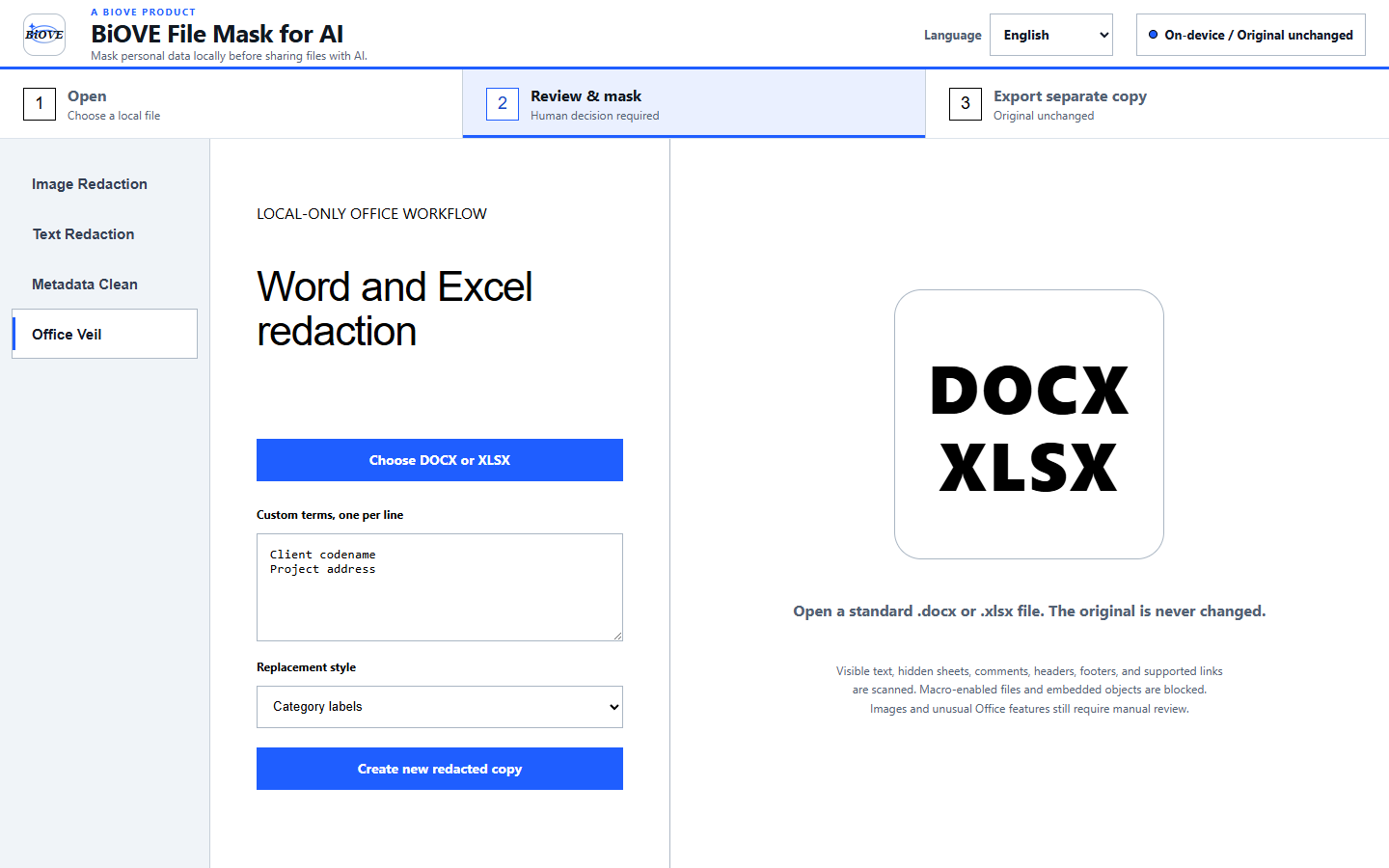
Open the workbook in the Windows app. The file is processed on the same computer.
Match common sensitive patterns or add names, project codes and other custom terms.
Create a new XLSX with replacements and cleaned metadata. Your original remains unchanged.
Accounting and finance workflows
Review selected employee names, contact details, identifiers, pay references and custom internal terms in supported XLSX copies.
Check visible and hidden worksheets, comments, account references and workbook properties before an approved external handoff.
Preserve the source workbook, create a separate cleaned copy, and require a qualified reviewer to inspect formulas and business logic.
BiOVE File Mask for AI is a processing utility, not accounting, legal, privacy, security or compliance advice. It does not guarantee that every sensitive value will be found. Always inspect the exported workbook before sharing it.
Historical regression evidence · v1.3.0
Historical synthetic v1.3.0 regression test, 29 July 2026. It demonstrates that legacy tested path, not guaranteed detection of every sensitive value or current-version verification. Always inspect the exported workbook.
Deliberate limits
Macro-enabled workbooks and files with embedded objects are blocked. Review the exported workbook—especially formulas and linked business logic—before external sharing.
One-time Windows license for one purchaser. Compare the complete PDF, Word, and Excel workflow, review Office metadata removal, or see license terms and refund policy.