1. Open locally
Select a supported DOCX or XLSX in the Windows app. No LocalVeil account, cloud editor, or API key is required.
Offline Office metadata removal
Included in BiOVE File Mask for AI · Not a separate product
Open a supported DOCX or XLSX locally, review document properties and hidden Office content, then create a separate sanitized copy with the full license. Your source file remains unchanged.
What can stay hidden
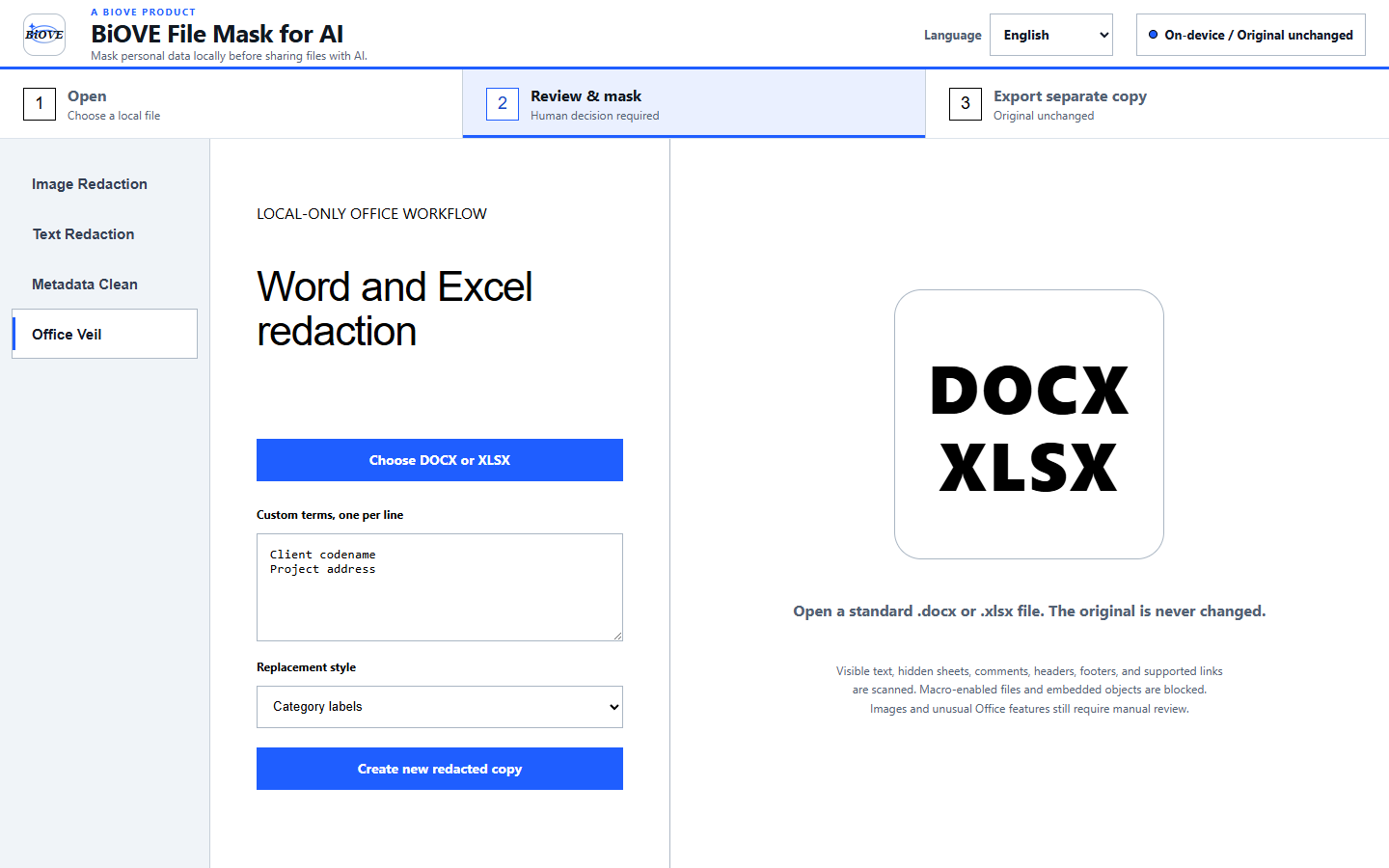
Select a supported DOCX or XLSX in the Windows app. No LocalVeil account, cloud editor, or API key is required.
Inspect document properties and content that may not be obvious on the visible page. Automatic suggestions can miss information, so human review is required.
The paid clean-export path writes a separate sanitized Office file. LocalVeil does not intentionally move, delete, or overwrite the original.
Free versus paid
Open supported files, inspect local findings, review the interface, and test with non-sensitive sample documents.
Create clean DOCX and XLSX copies, plus the licensed image, PDF, batch, and text export workflows. One-time purchase; no subscription.
Deliberate limits
Macro-enabled documents, embedded Office objects, encrypted files, and unsupported formats are not presented as safe clean exports. Detection is an aid, not a guarantee. Inspect every exported copy before sharing it with a client, vendor, AI service, or external reviewer.
Compare the dedicated Word and Excel workflows, or review the privacy model, license terms, and refund policy.