1. Find candidates
OCR runs on the same Windows device and suggests text regions for review. No account, upload, or API key is required.
Offline OCR redaction
Built into the Windows app — not a separate product
BiOVE File Mask for AI uses on-device English and Simplified Chinese OCR to suggest candidate regions in images and PDF page workflows. Review the findings, adjust masks, and export without sending the source file to a web service.
Human-reviewed automation
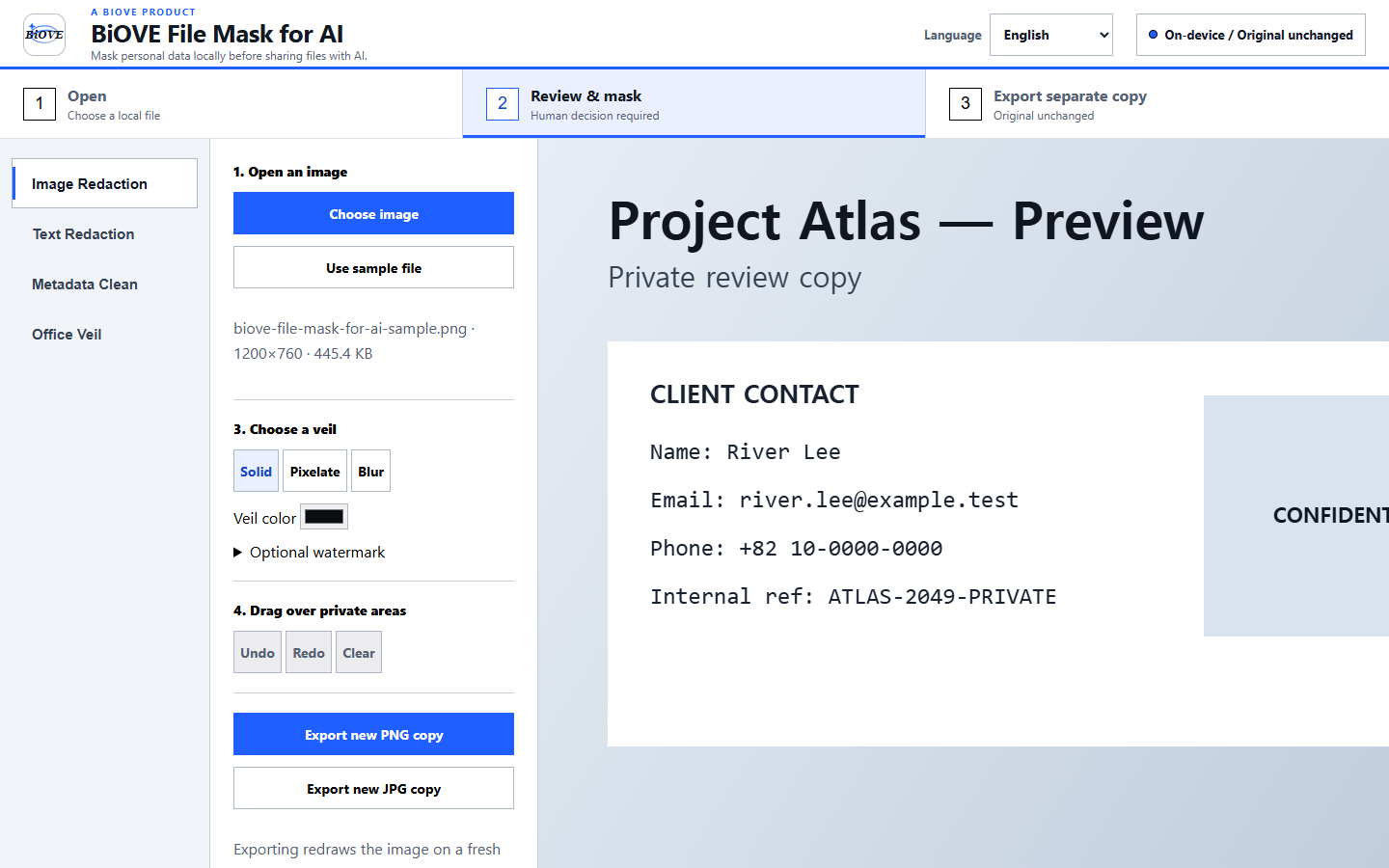
OCR runs on the same Windows device and suggests text regions for review. No account, upload, or API key is required.
OCR can miss, split, or misread text. You remain in control of which solid, pixelated, or blurred masks are applied.
The paid license unlocks clean export. The free Preview opens real files so you can test the workflow before buying.
Images and PDF pages
Use OCR to accelerate text discovery, then inspect the full visual context. PDF export rebuilds a separate flattened copy; image export creates a separately encoded output.
OCR is not face detection and does not guarantee discovery of every secret. DOCX and XLSX use their own local text-scanning workflows rather than OCR.
Know the limit before you buy
Always review the source, every suggested region, every manual mask, and the final export. BiOVE File Mask for AI does not claim perfect detection, automatic face detection, or guaranteed regulatory compliance.
Individual license for one purchaser. See the PDF workflow, document overview, license terms, and refund policy.