1. Open a PDF
The Windows app reads the document on the same device. No account, browser upload, or API key is required.
Offline PDF redaction
Included in BiOVE File Mask for AI · Feature guide, not a separate product
Open a PDF locally, review each page, draw solid, pixelated, or blurred masks, and export a separate flattened PDF. The source document is never uploaded or overwritten.
Page-by-page control
Historical synthetic v1.3.0 regression test, 29 July 2026. It does not claim current-version verification. Always inspect your own export before sharing.
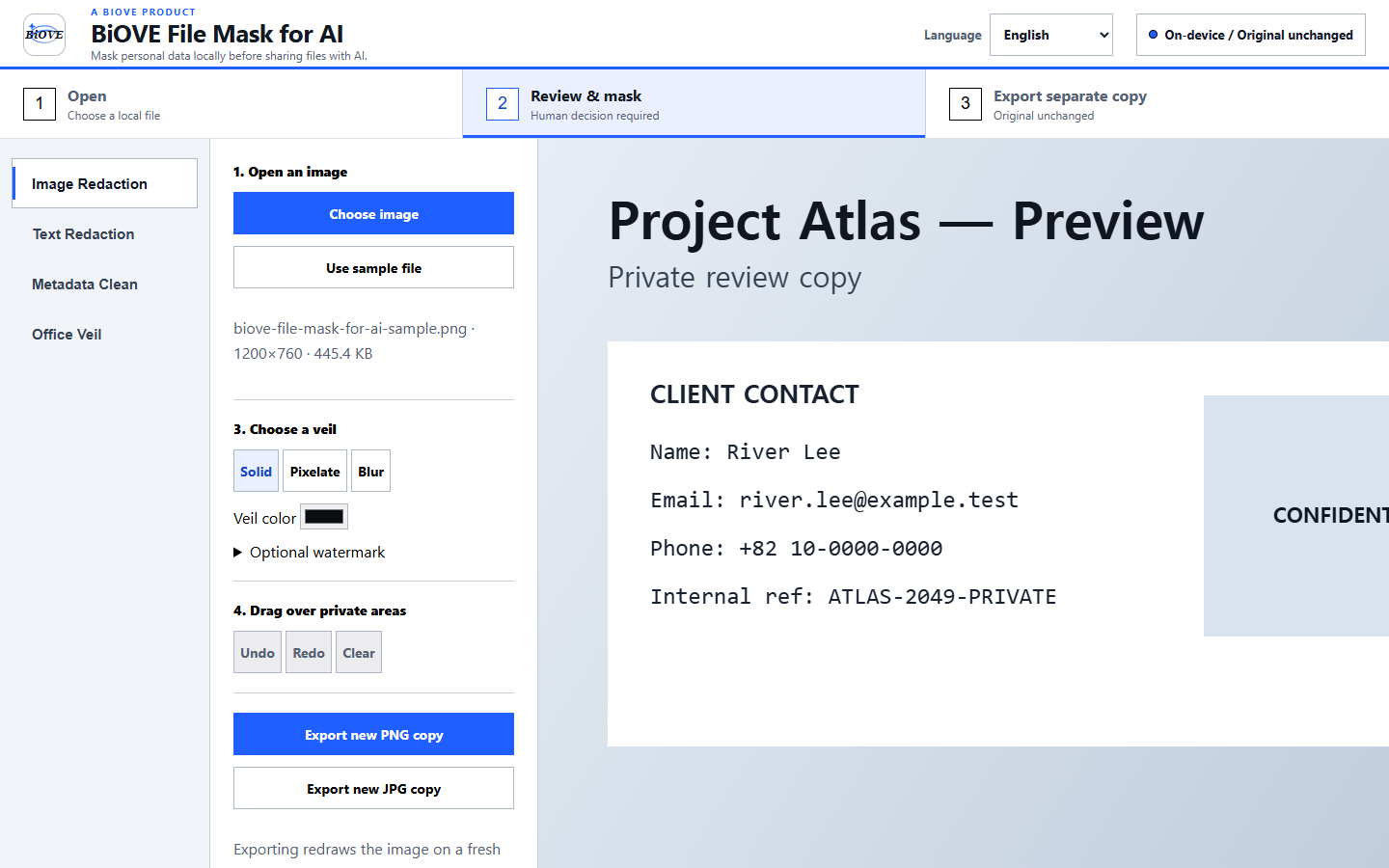
The Windows app reads the document on the same device. No account, browser upload, or API key is required.
Review each page, cover sensitive regions, and save the page before moving through the document.
BiOVE File Mask for AI rebuilds every page into a separate flattened PDF so hidden interactive content is not carried forward.
Independent offline workflow
BiOVE File Mask for AI is an independent Windows application and is not affiliated with or endorsed by Adobe. Use it when the requirement is a local, reviewer-controlled workflow rather than a cloud editor: open a supported PDF on the PC, cover selected regions, export a new flattened copy, and inspect the result.
The installed app does not require an Adobe account, a BiOVE account, or an API key for the supported PDF workflow.
The supported source PDF is processed on the Windows device. BiOVE File Mask for AI does not send its contents to a hosted redaction service.
The export intentionally trades selectable text, forms, links, signatures, and document layers for a flattened review copy.
Adobe and Acrobat are trademarks of Adobe Inc. Product names are used only to explain compatibility and workflow differences.
Deliberate limits
LocalVeil does not bypass encryption or claim perfect detection. Review every exported page before sharing it. Flattening intentionally removes selectable text, forms, links, signatures, and document layers.
One-time Windows license for one purchaser. Compare the complete PDF, Word, and Excel workflow, use the bank statement redaction checklist for financial-document sharing, or see security notes, license terms, and refund policy.