Confirm what may be hidden
Ask the recipient which fields can be redacted and what file format they accept. Keep an untouched source file.
Windows-only local statement redaction
Open a supported PDF, image, or XLSX statement on your Windows PC, mark only the information you are permitted to conceal, and create a separate output for review. The source file stays unchanged.
Windows 10/11 · version 1.5.1 · free Preview opens supported files · clean export requires a paid license · current builds are unsigned
A deliberate local workflow
Ask the recipient which fields can be redacted and what file format they accept. Keep an untouched source file.
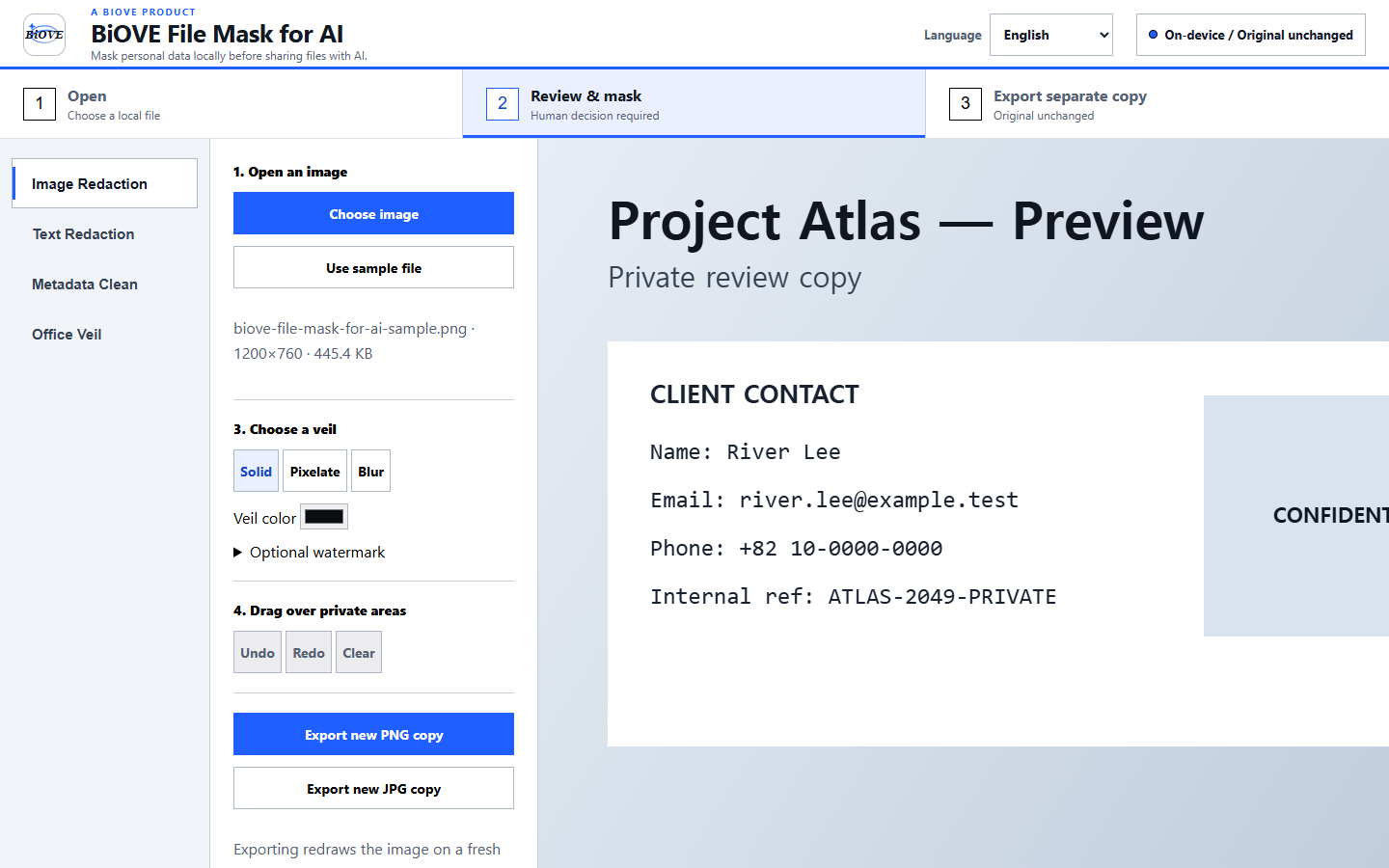
Draw PDF or image masks yourself. For supported XLSX files, inspect suggested pattern matches and custom terms rather than trusting them automatically.
Export a separate file, reopen it, and check every page, cell, label, and amount before sharing through an approved channel.
Supported statement formats
BiOVE File Mask for AI does not offer automatic bank-statement detection, guaranteed OCR accuracy, batch automatic redaction, or guaranteed recipient acceptance. It does not replace legal, financial, privacy, security, fraud, or compliance review.
Product evidence
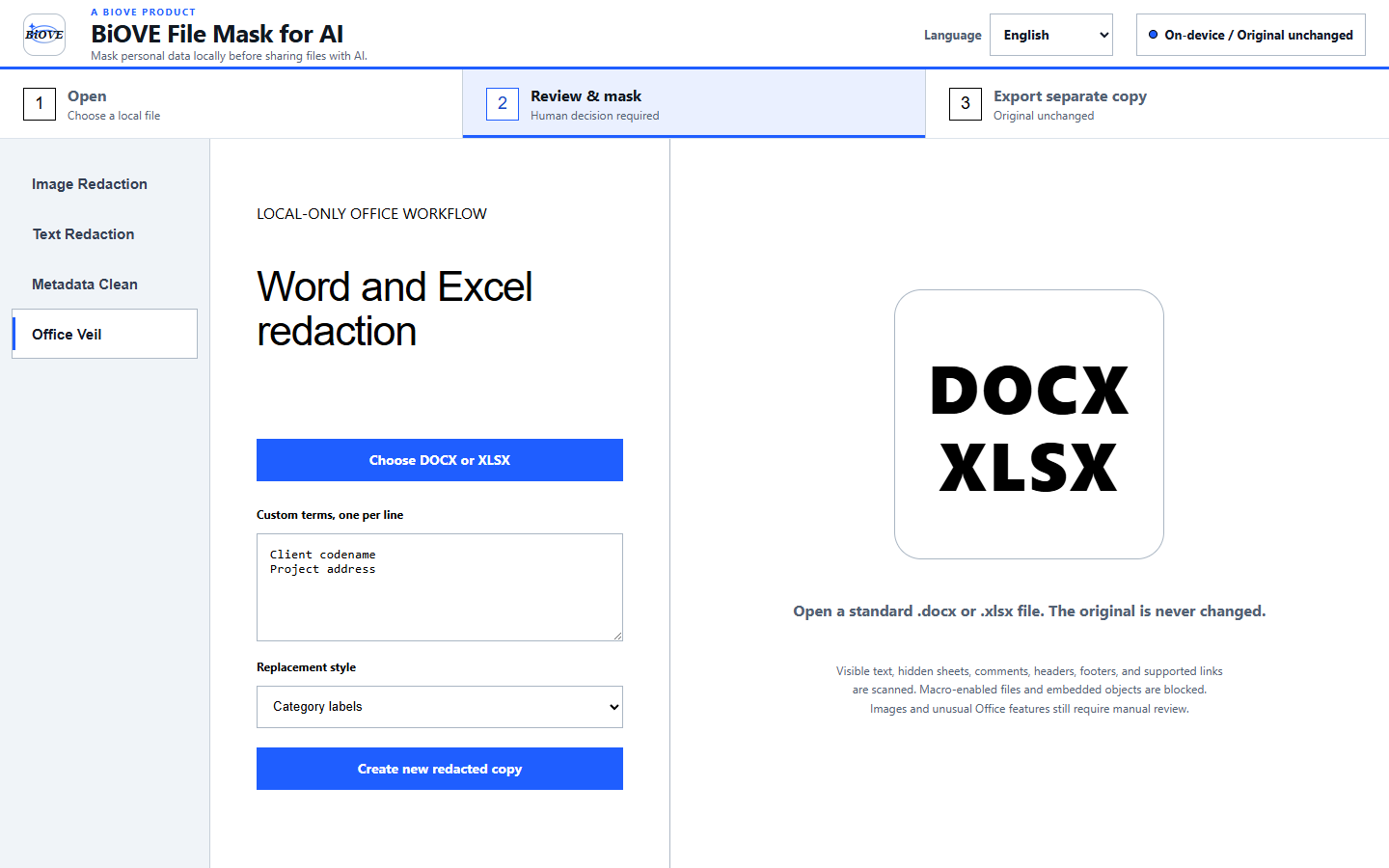
Know the limits before installing
Verify the workflow before paying
The free Preview opens supported files locally and lets you inspect the local review workflow. Clean exports are locked until you purchase the $29 Individual license.
Also review the security model, license terms, and refund policy.