1. Choose a DOCX
The desktop app opens the file locally. No account, cloud editor or API key is required.
Local DOCX redaction
Included in BiOVE File Mask for AI · Feature guide, not a separate product
Open a DOCX, scan common sensitive patterns and your own terms, then export a newly sanitized copy. Processing stays on your computer and the original remains unchanged.
Office Veil
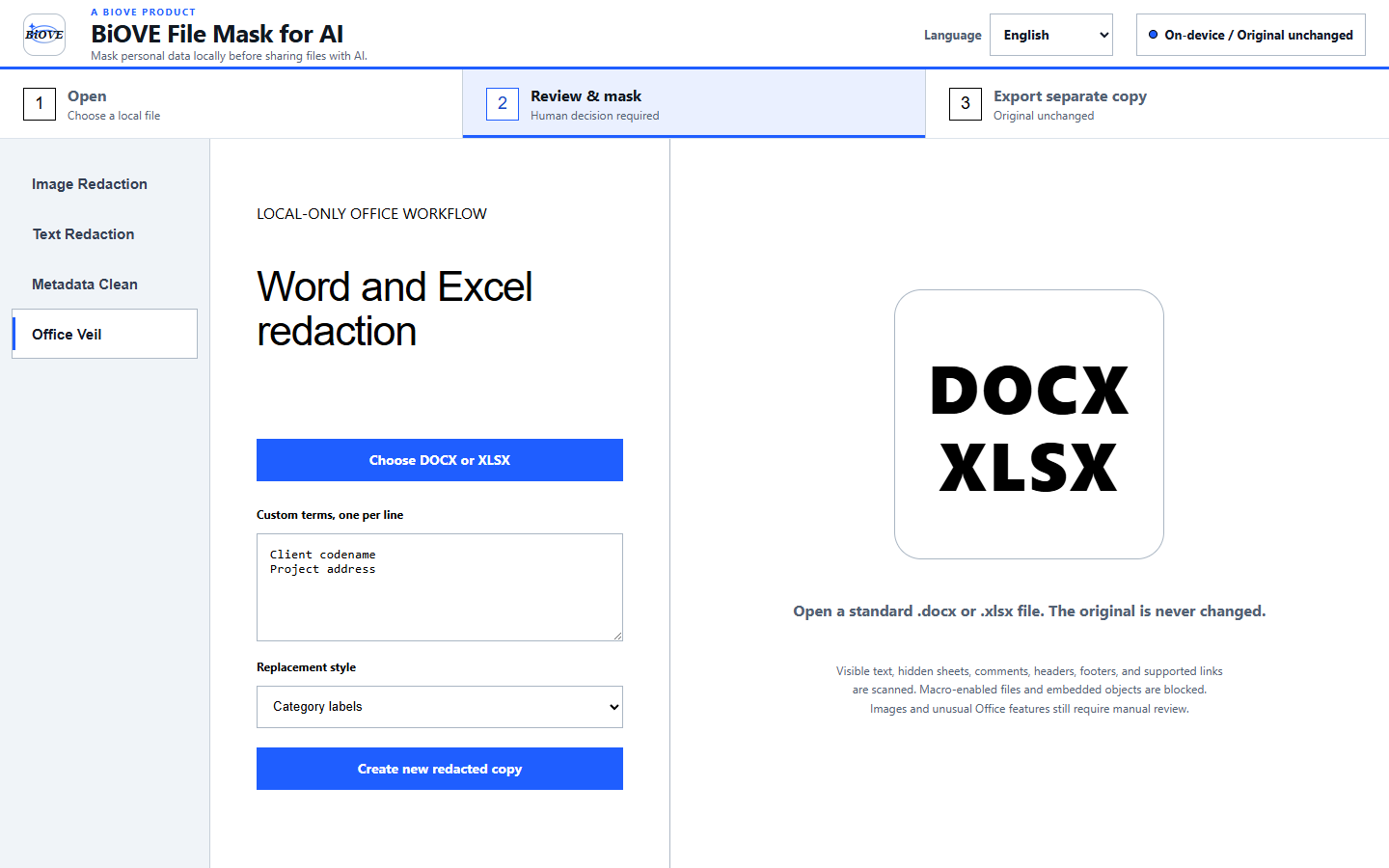
The desktop app opens the file locally. No account, cloud editor or API key is required.
Use built-in patterns and custom terms, then choose the replacement style before export.
LocalVeil writes a separate DOCX, clears document metadata and leaves the source file untouched.
Historical regression evidence · v1.3.0
Historical synthetic v1.3.0 regression test, 29 July 2026. It demonstrates that legacy tested path, not guaranteed detection of every sensitive value or current-version verification. Always inspect the exported document.
Deliberate limits
Macro-enabled documents and files with embedded objects are blocked instead of being silently rewritten. Always review the exported copy before external sharing.
One-time Windows license for one purchaser. Compare the complete PDF, Word, and Excel workflow, follow the candidate resume consent and client-submission checklist, review Office metadata removal, or see license terms and refund policy.