Confirm permission and purpose
Ask whether the recipient accepts a review copy and which fields may be hidden. Keep the untouched invoice as the record of the transaction.
Invoice review copy · local Windows workflow
Open an authorized PDF, image, DOCX, or XLSX invoice on your Windows PC, conceal only the fields the recipient permits, and create a separate copy for human review. The source file stays unchanged.
Windows 10/11 x64 · Preview 1.5.1 shows the local review workflow · clean export requires a paid license
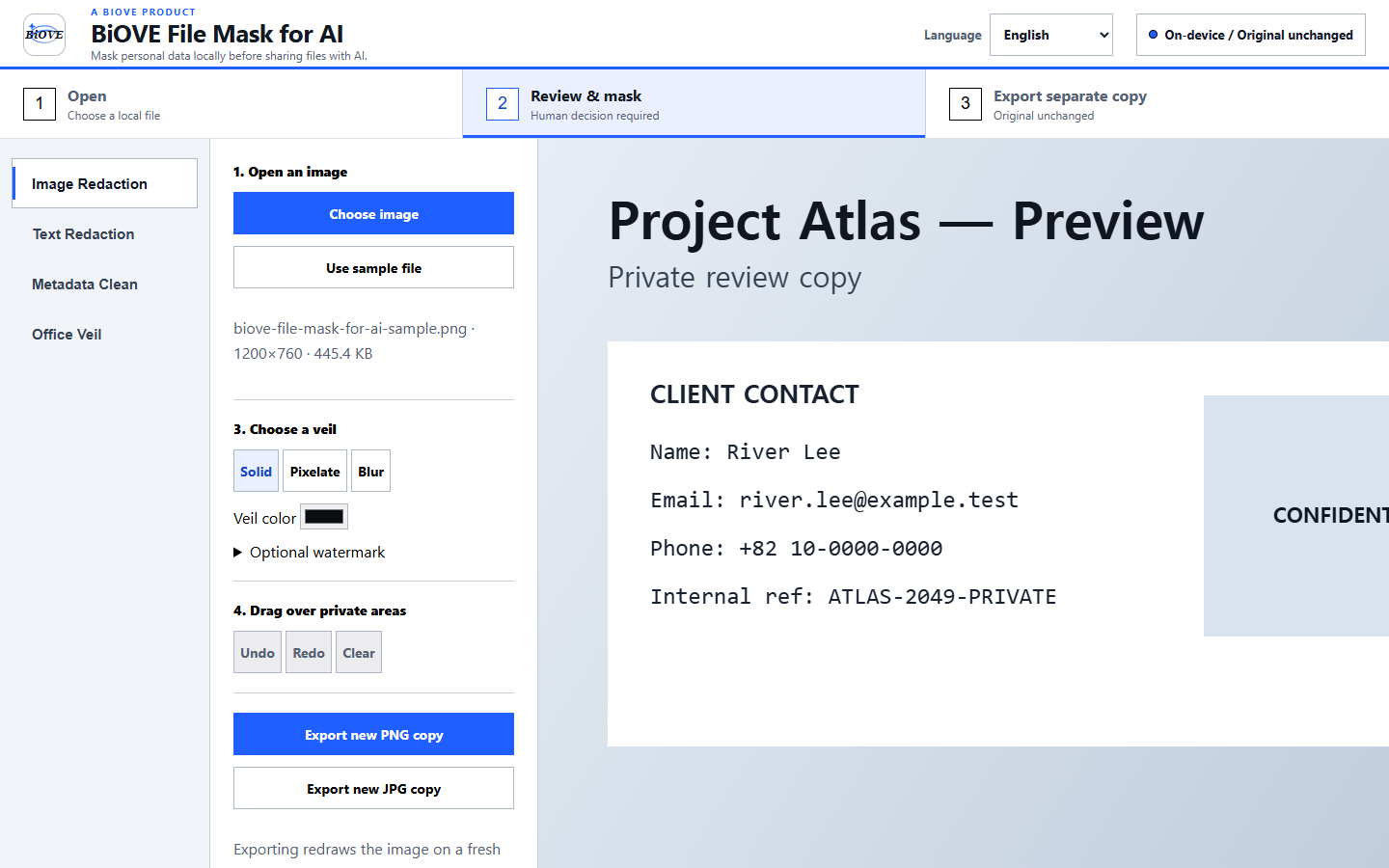
A distinct invoice workflow
Ask whether the recipient accepts a review copy and which fields may be hidden. Keep the untouched invoice as the record of the transaction.
Inspect names, addresses, tax identifiers, bank details, payment references, and commercial terms in context. LocalVeil does not decide which of them should be removed.
Create a separately named copy, reopen it, and compare every page, worksheet, amount, label, and unmasked field with the original before sending.
Supported invoice formats
There is no invoice-specific automatic field detector, accounting validation, tax validation, recipient-acceptance guarantee, or compliance guarantee. OCR and supported pattern suggestions can miss content or produce false positives.
Product evidence
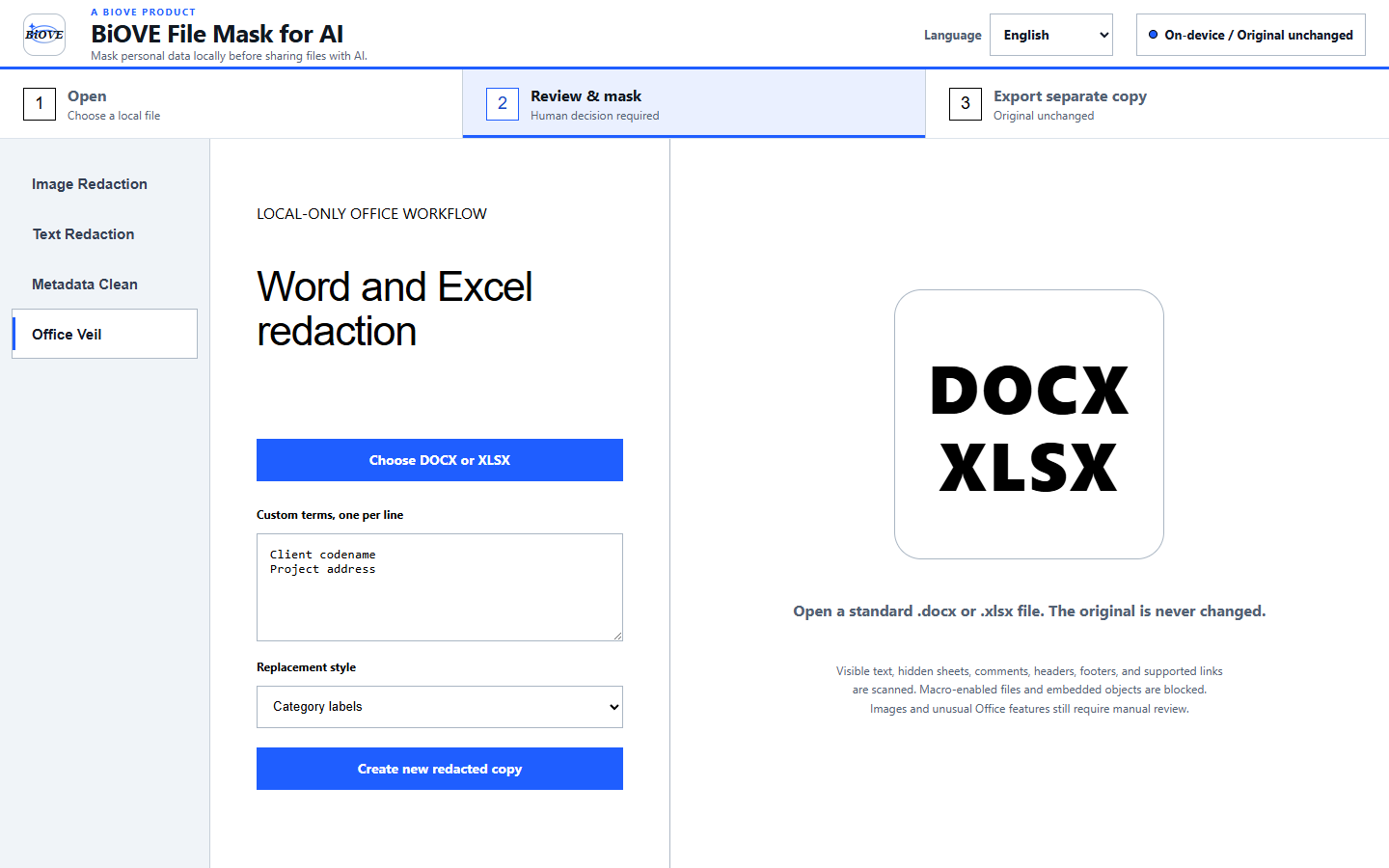
Limits to check before purchase
Preview first
The free Preview opens supported files locally and exposes the real review workflow. Clean image, PDF, Word, and Excel exports require the US$29 Individual license.
Compare the related bank-statement workflow, legal-document workflow, license terms, and refund policy.